Home/Services/Network Infrastructure
Network Infrastructure
We build networks for studios and offices with many devices: multiple broadband uplinks, enterprise wireless coverage, network segmentation and remote operations. On-site staff only connect equipment by the wiring diagram. We do deployment, tuning and daily operations remotely, so on-site staff are rarely needed.
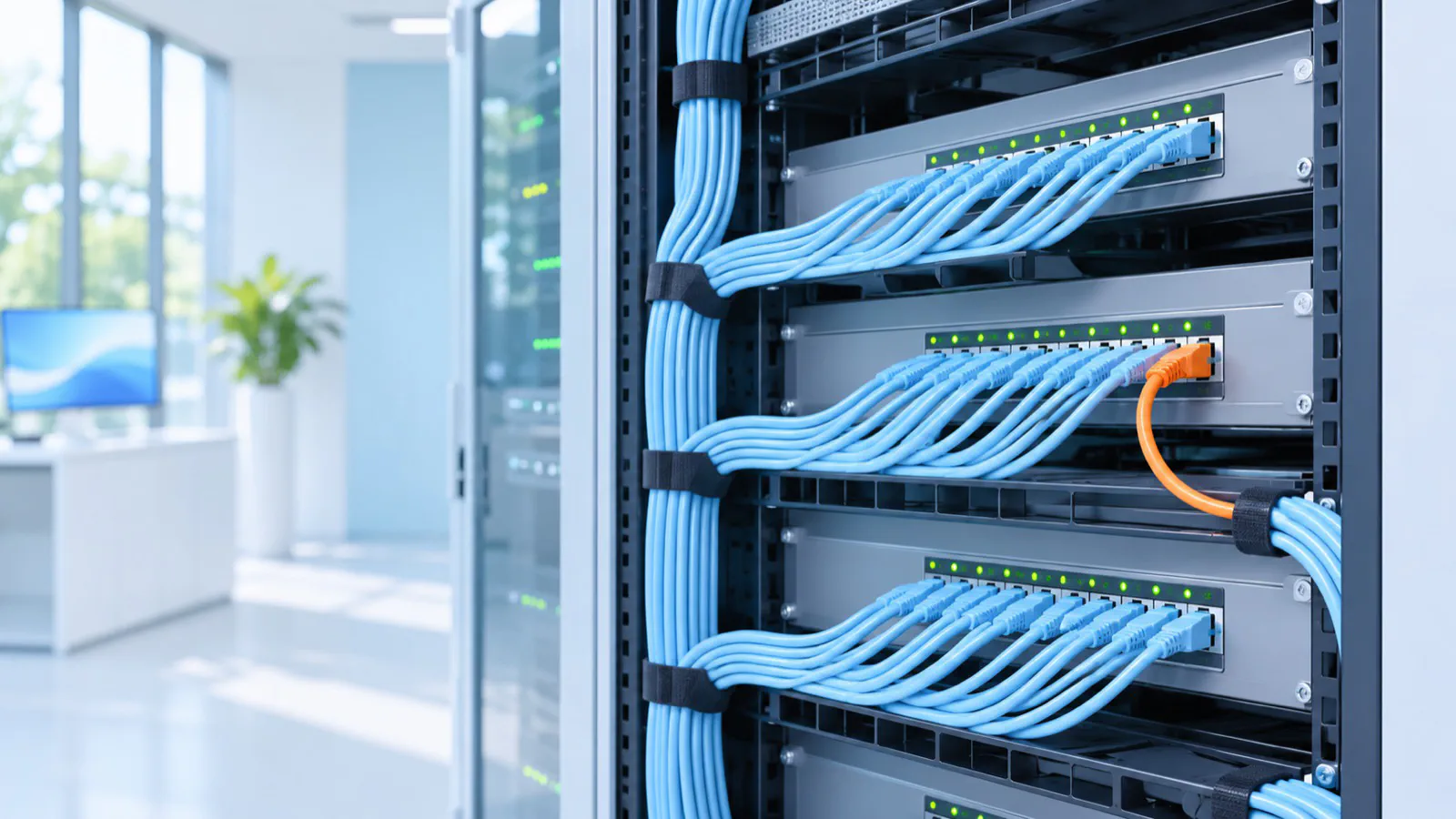 AI-generated illustration
When this fits
Hundreds of devices online, and the network keeps lagging and dropping
With this many devices, the network becomes a problem to deal with every day.
Nobody nearby understands networking
When something breaks you wait for a technician, or on-site staff follow instructions step by step over the phone.
Only one person knows how the network is set up
There is no documentation. If that person leaves, nobody can maintain it.
What we deliver
Fully remote deployment and operations
On-site staff connect equipment using our wiring diagram. Configuration, tuning and daily operations are then done remotely, which saves on-site labor.
Multiple uplinks
Several broadband lines run at once, with outbound traffic assigned by device group. If one line fails, traffic can switch over.
Enterprise wireless
We plan access points and channels and measure airtime capacity to support hundreds of devices online at once.
Network segmentation
The network is divided by VLAN, and the management and production networks are physically separate, for security isolation and daily management.
Remote recovery
Private tunnel access plus out-of-band management lets us reach devices remotely even when the network itself fails.
Configuration automation
Configuration is written as code and deployed with automation tools. Changes can be rolled back.
Management dashboard
Devices join with zero configuration and are viewed and managed in a visual dashboard.
Documentation
Site records, operations manual, incident reviews and capacity assessment.
How it works
- 1
Remote requirements call
We learn the device count, broadband lines and how the network is used.
- 2
Plan and capacity assessment
We define the uplink, wireless and remote management plan and assess how many devices it can support.
- 3
On-site wiring, remote deployment
On-site staff connect equipment by the wiring diagram, and we complete configuration and tuning remotely.
- 4
Failure drills and handover
We run line-cut and power-cut drills remotely, then hand over documents and admin accounts.
FAQ
Do we need to send someone to help?
Only for the first deployment, when on-site staff connect equipment by the wiring diagram. Configuration, tuning, upgrades and troubleshooting after that are done remotely, so on-site staff are rarely needed.
How many devices can it support?
We first assess capacity based on the site's lines, wireless and host hardware, then give an answer. A site we delivered has hundreds of devices online at once, covered by 10 enterprise access points.
Does it recover automatically after a network or power outage?
Most services recover automatically. We ran several power-cut tests at a delivered site and recorded the recovery each time. Hosts with full-disk encryption need their disk key entered remotely.
How are problems handled?
We reach devices remotely through out-of-band management, fix the issue, then write an incident review to find the root cause.